Automating Monthly Credential Security Validation with Ansible AWX
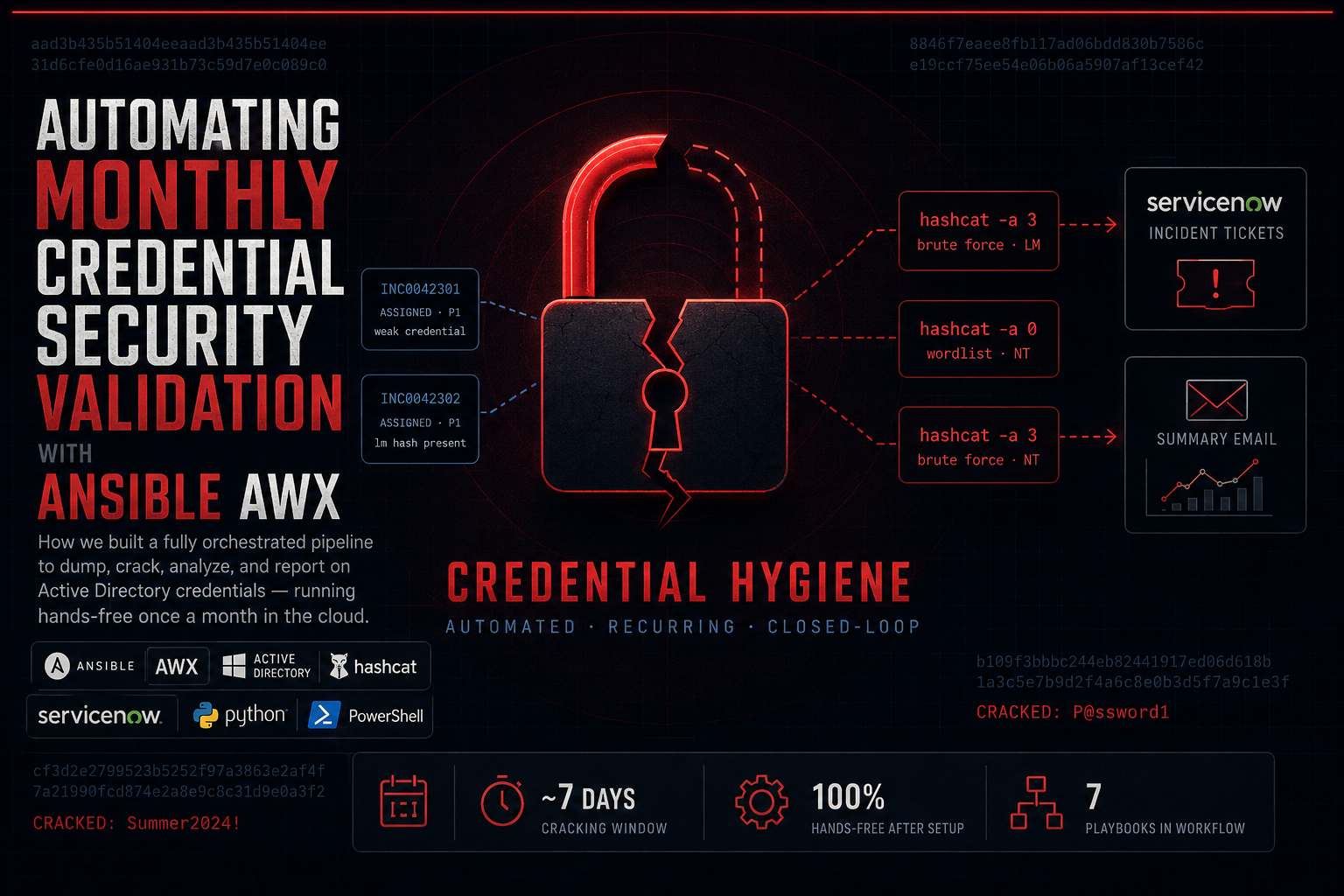
Credential hygiene is one of the most consistently overlooked attack surfaces in enterprise environments. Weak and cracked passwords persist silently for months. Our goal was to change that — not through one-off audits, but through a recurring, automated, fully orchestrated security validation pipeline that runs on a schedule and closes the loop through ticketing and reporting.
This post covers the architecture, the reasoning behind the decisions we made, and how the system works end-to-end.
| Playbooks in the workflow | 7 |
| Cracking window per run | ~7 days |
| Hands-free after setup | 100% |
| Scheduled cadence | 1×/month |
Why Build This?
Password cracking audits are a standard security control — but they’re often manual, inconsistent, and time-consuming. We had a few specific pain points:
The audits weren’t happening on a regular cadence. Running an NTDS dump and cracking session is tedious to coordinate manually, and it slipped. When an audit did happen, the turnaround from “we have results” to “compromised accounts are reset” was days or weeks.
There was no trending data. We couldn’t tell whether our password policy improvements were actually working over time. Each audit was a snapshot with no connection to the last.
The remediation loop was broken. Results lived in a file somewhere. Whoever owned the audit had to manually create tickets for IT to act on. That was a bottleneck.
Design Goal: The system needed to run entirely unattended from the 1st through the 7th of every month — dumping credentials, cracking hashes, analyzing results, filing tickets, sending a report, and shutting itself down.
Architecture Overview
The pipeline runs on Ansible AWX (the open-source upstream of Red Hat Ansible Automation Platform) and uses two cloud EC2 instances: one for credential dumping and cracking, and one for storing results and running analysis. A Windows analysis machine handles the PowerShell-based credential reporting.
Figure 1 — High-level system architecture
AWX acts as the central orchestrator. It manages credentials (via Ansible Vault), scheduling, and the sequential execution of playbooks as a workflow. It never touches credentials directly in plaintext — everything sensitive is encrypted at rest.
The Workflow, Step by Step
The full pipeline is an AWX Workflow Template — a directed acyclic graph of job templates, where each stage must succeed before the next begins. Here’s what happens:
Figure 2 — AWX Workflow node chain (each arrow is a success gate)
Stage 0: Preflight
Before anything else, AWX uses the AWS SDK to verify both EC2 instances are in a running state. If either is stopped, it starts them and waits for them to become reachable. This prevents the rest of the workflow from failing silently against a cold instance.
Stage 1: Credential Dump
Using secretsdump.py (part of the Impacket toolkit), Ansible SSHes into the crack instance and performs an NTDS dump against the domain controller. The DC credentials are stored encrypted in Ansible Vault — they’re never in plaintext in any playbook or variable file. Results are written to a structured path: /dumps/YEAR/MONTH/FILE.
Stage 2: Hash Extraction
The dump file is parsed to extract LM hashes separately from NT hashes. LM hashes are a legacy format that’s significantly weaker than NT — isolating them lets us attack them differently and flag their presence specifically (any remaining LM hash is itself a finding, since modern Windows should never be generating them).
Stage 3: Cracking (The Long Stage)
This is where the work happens. The cracking stage runs three sequential hashcat passes:
| Pass | Mode | Target | Rationale |
|---|---|---|---|
| 1 | Brute force (-a 3) | LM hashes | LM splits passwords at 7 chars; brute force is tractable |
| 2 | Wordlist + rules (-a 0) | NT hashes | Catches common passwords and variations efficiently |
| 3 | Brute force (-a 3) | NT hashes | Catches remaining weak passwords not in any wordlist |
The cracking job runs as a systemd service rather than a long-running SSH session. This was a deliberate architectural decision: SSH sessions can time out over a week, and AWX has its own job timeouts. By backgrounding hashcat as a systemd unit and polling its status, the Ansible playbook can sleep and retry across the full 7-day window without holding an active connection.
The polling itself is a straightforward until/retries loop with a 60-second delay — checking systemctl is-active on the hashcat service unit and waiting for it to return inactive (meaning the job completed) rather than active or failed:
- name: Wait for hashcat to complete
  ansible.builtin.command: systemctl is-active hashcat-crack.service
  register: hashcat_status
  until: hashcat_status.stdout == "inactive"
  retries: 10080   # 7 days × 24 hrs × 60 min
  delay: 60
  failed_when: hashcat_status.stdout == "failed"
One important AWX-specific detail: the job template for this stage has its timeout set to unlimited (or ≥ 604,800 seconds). Every other stage in the workflow uses a sane timeout — this is the only one that needs the exception, and it should stay that way.
Stage 4: Offload
After cracking completes, four files are sanitized and transferred via SCP to the storage instance. What gets transferred depends on the file:
- NTDS.dit export — zeroed out; account metadata only, no hashes
- LM_Hashes.txt — zeroed out; hash field stripped entirely
- NT_Cracked.txt and LM_Cracked.txt — zeroed out pot files; the hash columns are overwritten before transfer, leaving only usernames and cracked password metadata
The goal is that what moves over the wire is enough to drive statistical analysis — usernames, counts, account classifications — without any raw credential material leaving the crack instance. The destination path mirrors the dump structure: /results/YEAR/MONTH/.
Stage 5: Shutdown
The crack instance is stopped via the AWS API. This matters for two reasons: cost (GPU instances are expensive) and attack surface (a high-privilege instance with cracking tools and hash dumps shouldn’t be running when it’s not needed). The playbook confirms the instance reaches stopped state before moving on.
Stages 6-7: Analysis, Tickets, and Reporting
The final stages are where results become action. The Windows analysis machine runs first: a PowerShell script uses Get-ADUser to pull OU membership from Active Directory and applies a configurable department mapping — multiple OUs can roll up to a single logical group (for example, IT spans two OUs, as does HR). The script correlates those groupings against the offloaded cracked results to produce per-department statistics, outputting a structured JSON report covering cracked percentage by department group, compromised service accounts, and remaining LM hash counts. That JSON feeds a Python script on the storage instance, which inserts the run into a SQLite database for trend tracking and generates two matplotlib charts: overall cracked percentage over the last 6 months and a per-department breakdown. From there, the data drives the ServiceNow incident filings and the summary email.
Figure 3 — Analysis and reporting pipeline
ServiceNow Integration
Rather than emailing a list of compromised accounts to an IT team and hoping someone acts on it, we integrated directly with ServiceNow’s REST API to file incidents automatically.
For IT users, one incident is created per compromised account and assigned directly to that user. This creates clear accountability — the user’s own queue gets a ticket, and they can’t miss it.
For service accounts, a single incident is filed and assigned to the infrastructure group. Service accounts don’t have a human owner in the ticketing system, and a flood of per-account tickets for infrastructure would be noise.
Auth Decision: The ServiceNow integration authenticates via OAuth 2.0 with a dedicated service account — not basic auth. This gives a clean audit trail in ServiceNow for all API-created records, supports token rotation, and keeps credentials out of playbook files entirely.
The ServiceNow team needs four things to enable this: a dedicated API service account, an OAuth Application Registry entry (which generates a client ID and secret), and confirmation that the correct service category and assignment group names exist in their instance. That’s it on their end — the automation handles everything else.
Secrets & Credential Management
Credential handling was treated as the primary concern throughout. The threat model here is unusual — we’re handling credential dumps and cracked passwords, which are themselves highly sensitive. A few principles guided the approach:
Ansible Vault for everything sensitive. Domain controller credentials, SSH key paths for inter-instance transfers, and ServiceNow OAuth secrets all live in the vault, encrypted at rest — no human touches it during an automated run.
IAM least-privilege for AWS. The AWS credential used by AWX only has three permissions: ec2:StartInstances, ec2:StopInstances, and ec2:DescribeInstances. It can’t create, delete, or access anything else in the account.
Results on a dedicated storage instance. Cracked hashes don’t live on the crack instance after the offload — they’re sanitized and transferred off and the cracking instance is shut down. The storage instance is the single place results accumulate, with sanitized results and strict directory permissions (chmod 700).
6-month retention with automated rotation. Raw result files on the storage instance are rotated out after 6 months by a cleanup task that runs as part of the same workflow. The SQLite database rows follow the same schedule — there’s no value in keeping per-account cracked data beyond the retention window, as we can get similar trend data from other sources and leaving it indefinitely creates unnecessary exposure even for sanitized results.
Project Structure
awx-security-validation/
├── inventory/
│   └── hosts.yml              # EC2 hosts, IPs via AWX extra vars
├── group_vars/all/
│   ├── vars.yml               # Non-sensitive config (paths, regions)
├── playbooks/
│   ├── 00_preflight.yml       # EC2 health check + start
│   ├── 01_dump_credentials.yml  # secretsdump.py
│   ├── 02_extract_hashes.yml    # LM hash isolation
│   ├── 03_crack_hashes.yml      # hashcat via systemd (~7 days)
│   ├── 04_offload_results.yml   # SCP to storage
│   ├── 05_shutdown.yml          # Stop crack EC2
│   ├── 06_analyze.yml           # PowerShell + charts + email
│   └── 07_servicenow_tickets.yml # Incident creation
├── scripts/
│   └── analyze_and_chart.py   # SQLite insert + matplotlib
└── workflows/
    └── monthly_validation.yml  # AWX workflow reference
Scheduling
The workflow is triggered by an AWX schedule using an iCal RRULE:
FREQ=MONTHLY;BYMONTHDAY=1;BYHOUR=0;BYMINUTE=0;BYSECOND=0This fires at midnight on the 1st of each month. The workflow runs for its natural duration — approximately 7 days for the cracking phase — and terminates itself by shutting down the crack EC2 at the end. No manual intervention is needed to stop it.